Collision Geometry Use Cases

JANUS QuickTip | Collision Geometry

NX QuickTip - Collision Geometry

Many NX CAM users associate Collision Geometry primarily with solid bodies. However, this functionality offers far more possibilities than many users realize.

In this QuickTip, we present another practical use case for Collision Geometry in Siemens NX CAM. Using real-world examples, you will learn how to define faces as Collision Geometry and precisely control toolpaths using Collision Offsets.
At this point, external content is loaded by www.youtube-nocookie.com. If you agree to the use of cookies, you no longer need to manually accept access to this content.
Click here to confirm the cookie settings again.

In this Tutorial, we introduce another practical use case for Collision Geometry in Siemens NX CAM.

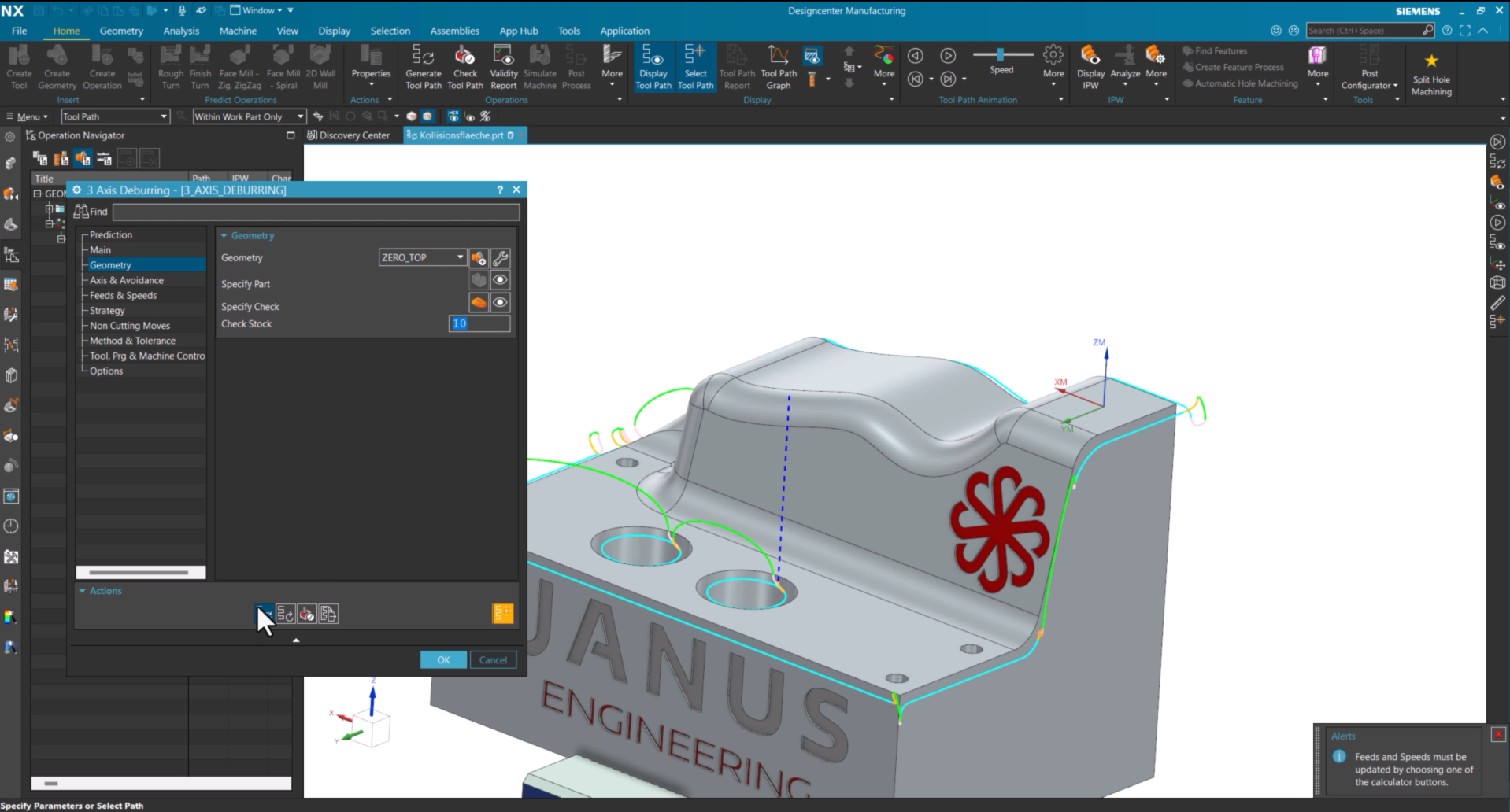
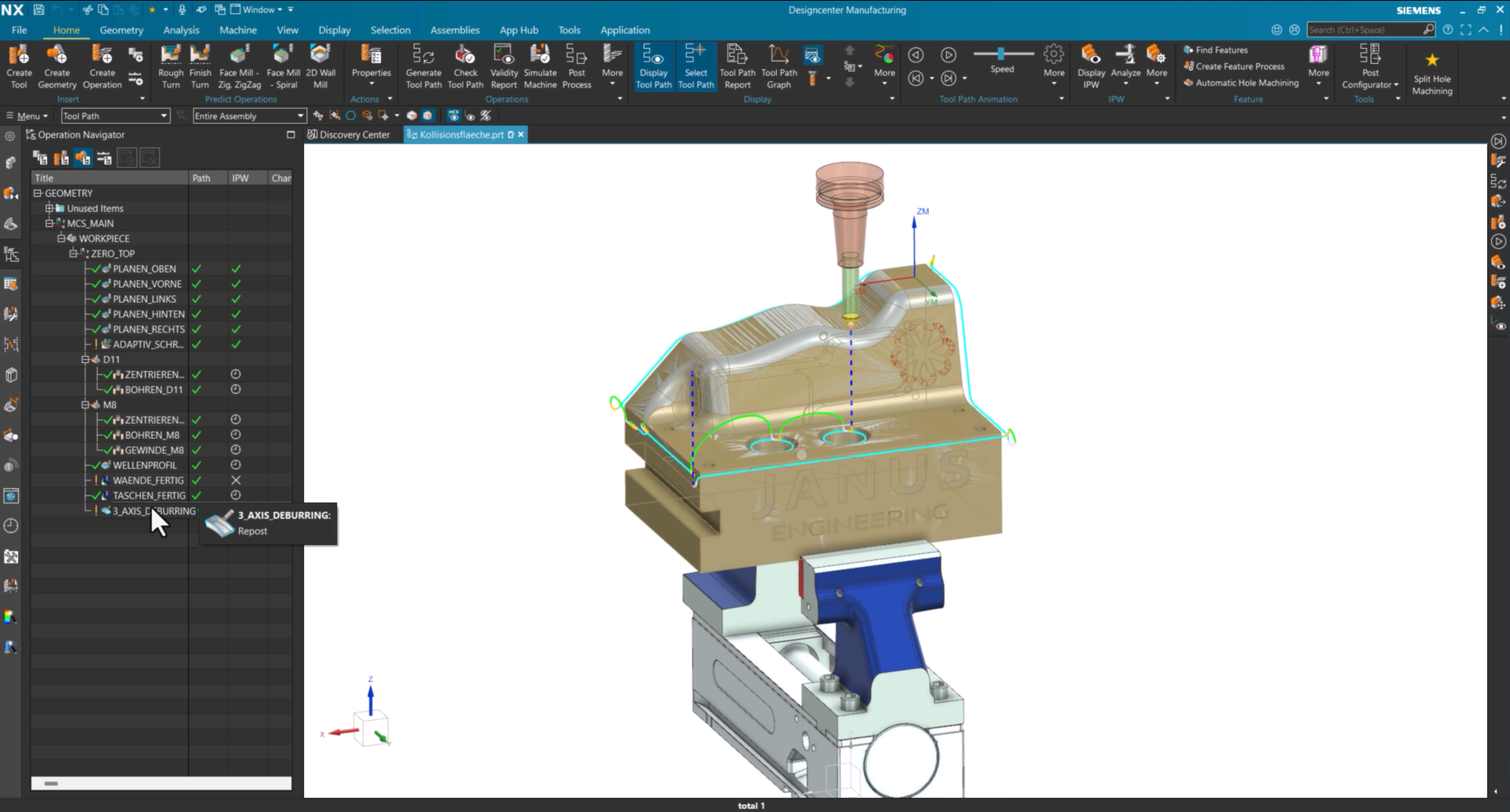
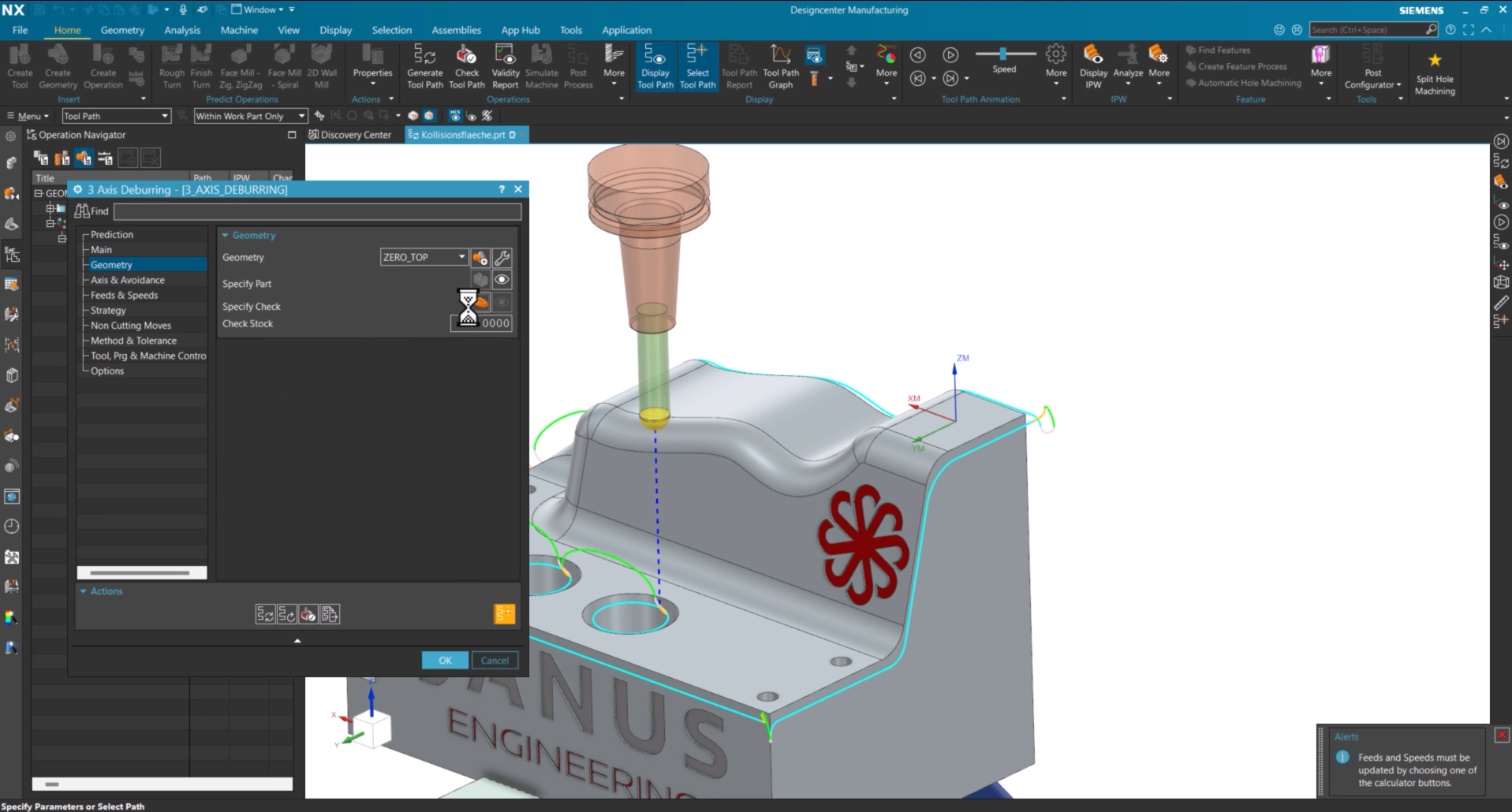
Using Collision Geometry in 3 Axis Deburring

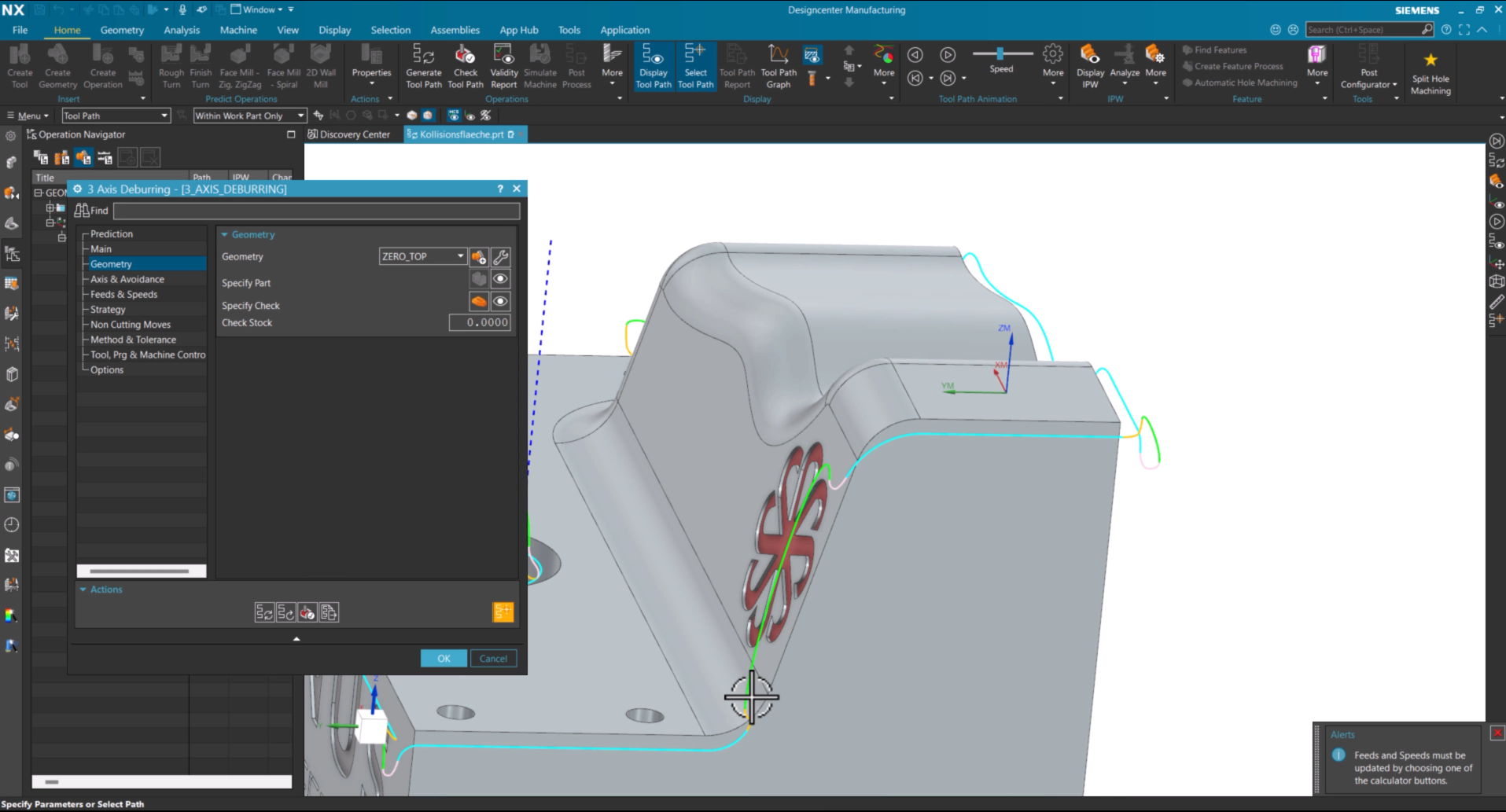
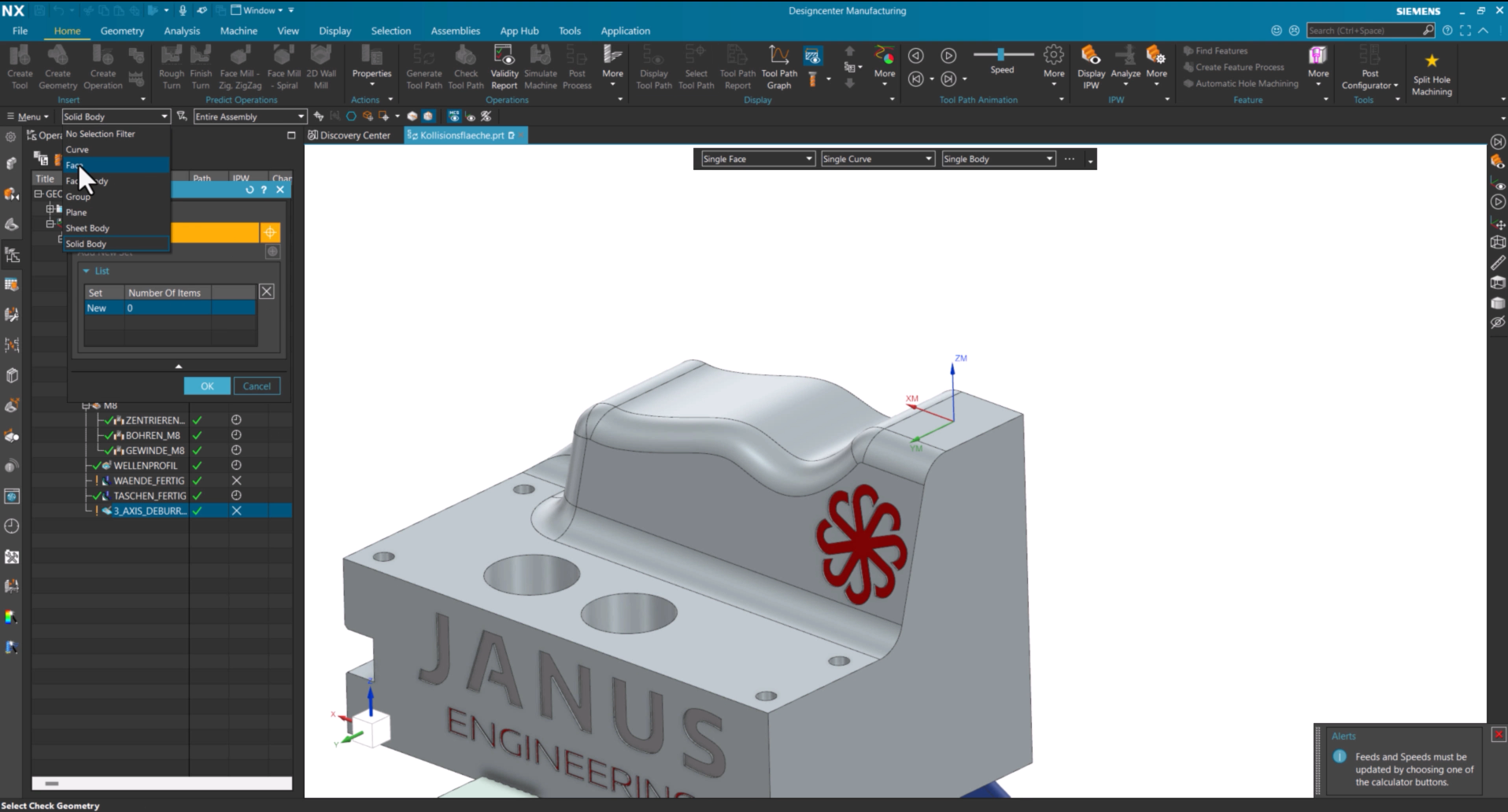
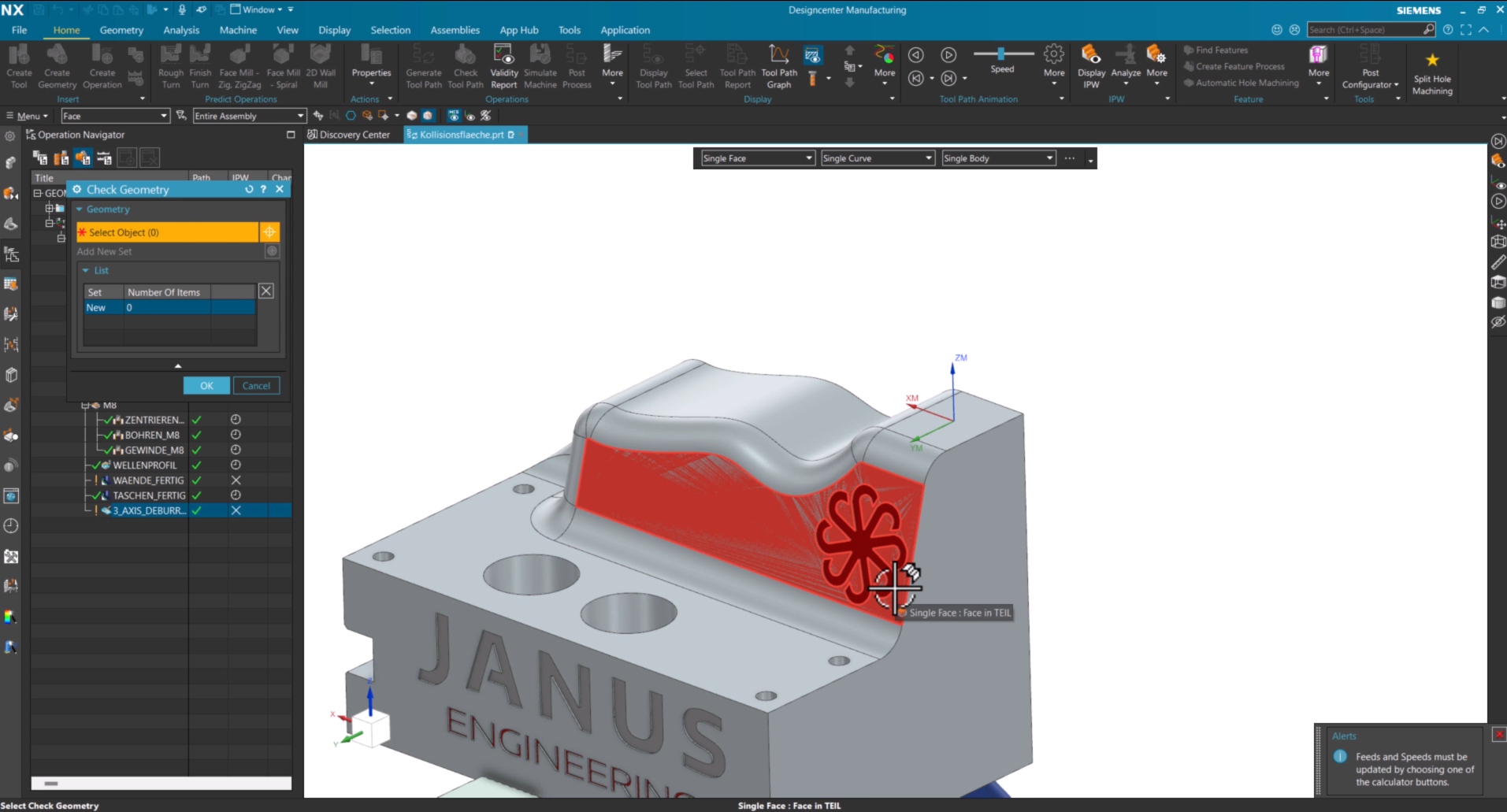
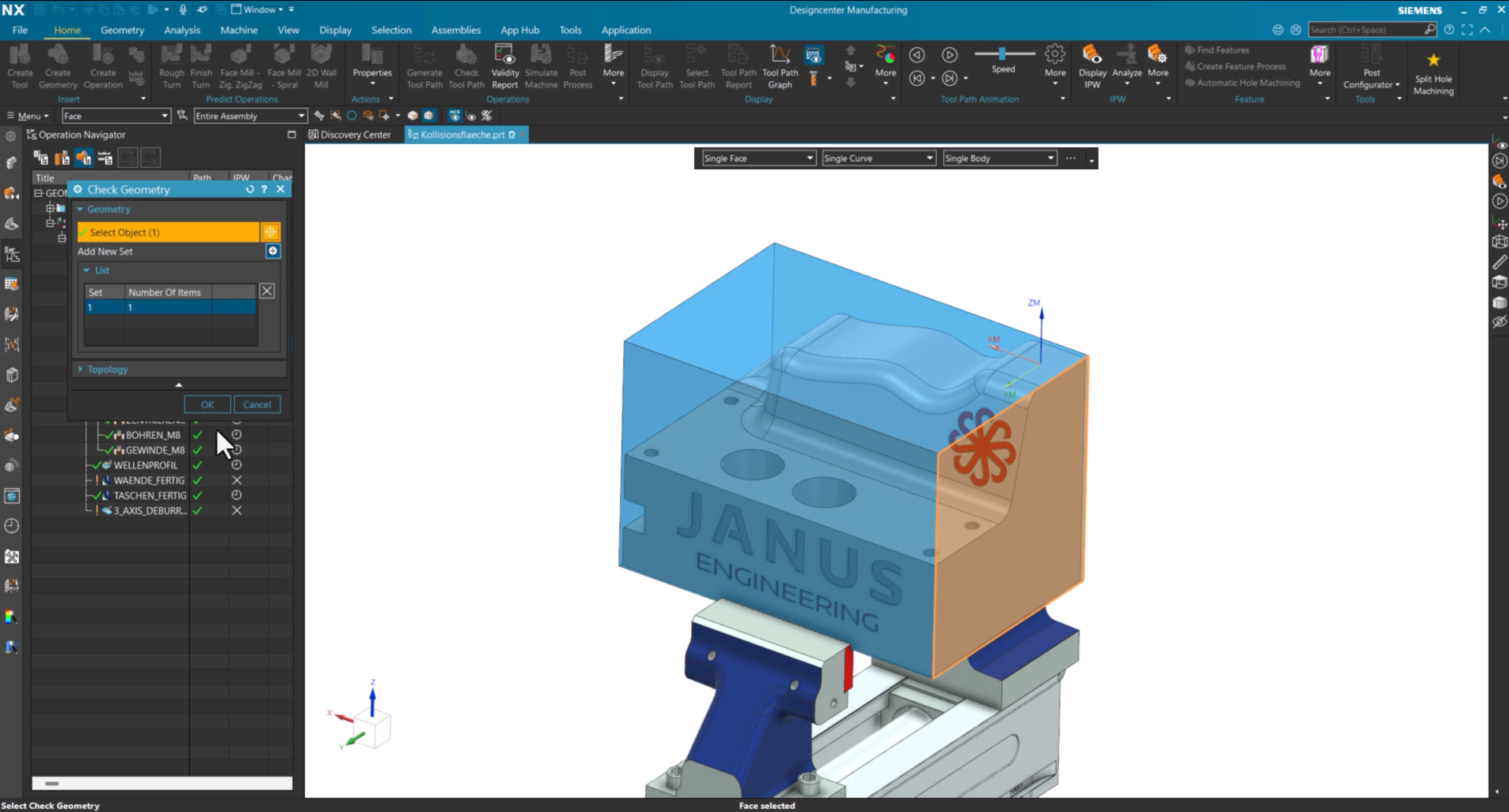
Open the desired operation and select Specify Collision Geometry. Then choose Face as the geometry type and select the face that should be excluded from machining.

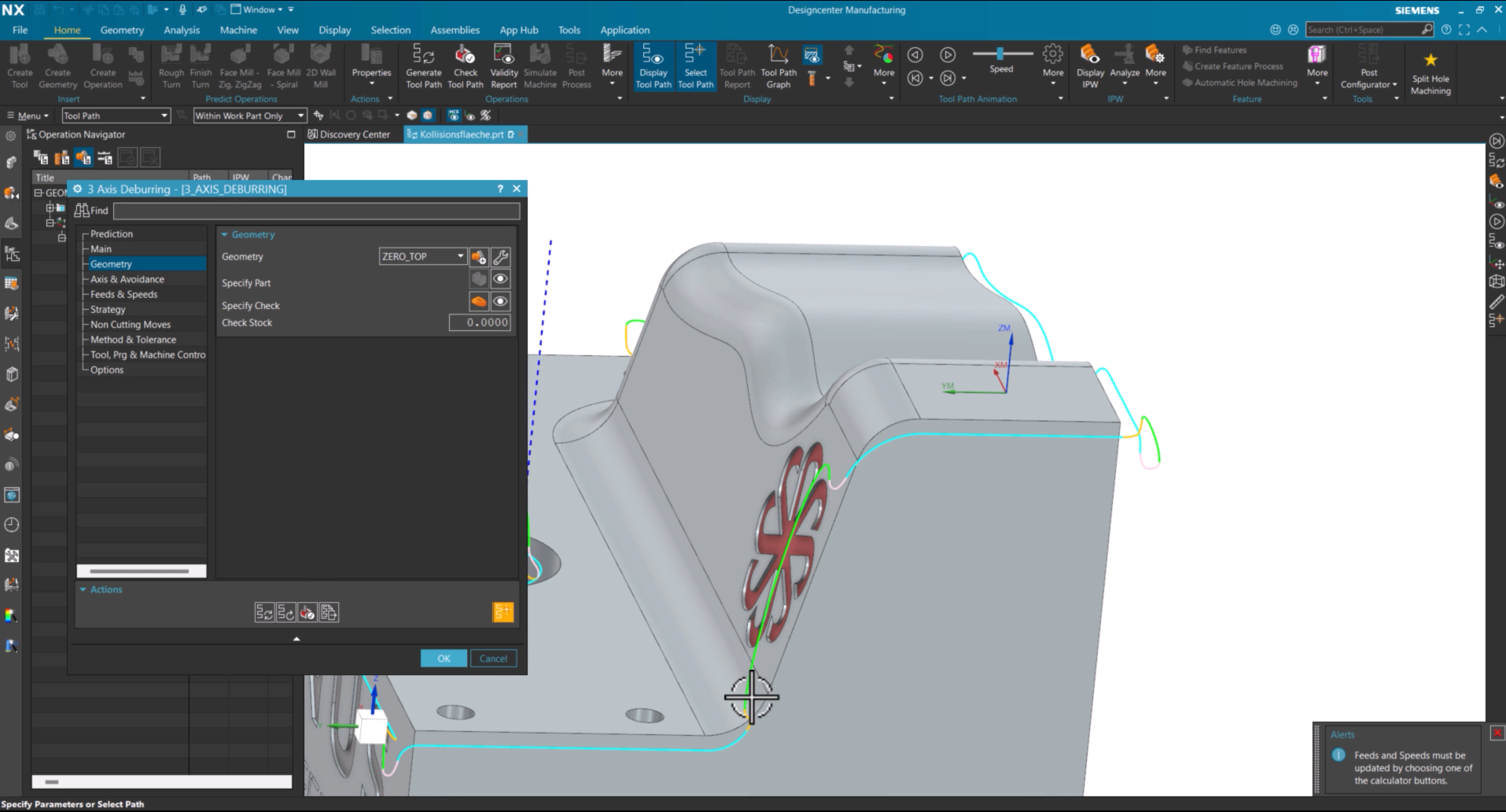
After regenerating the toolpath, the selected face is automatically considered and the tool safely avoids the defined area.

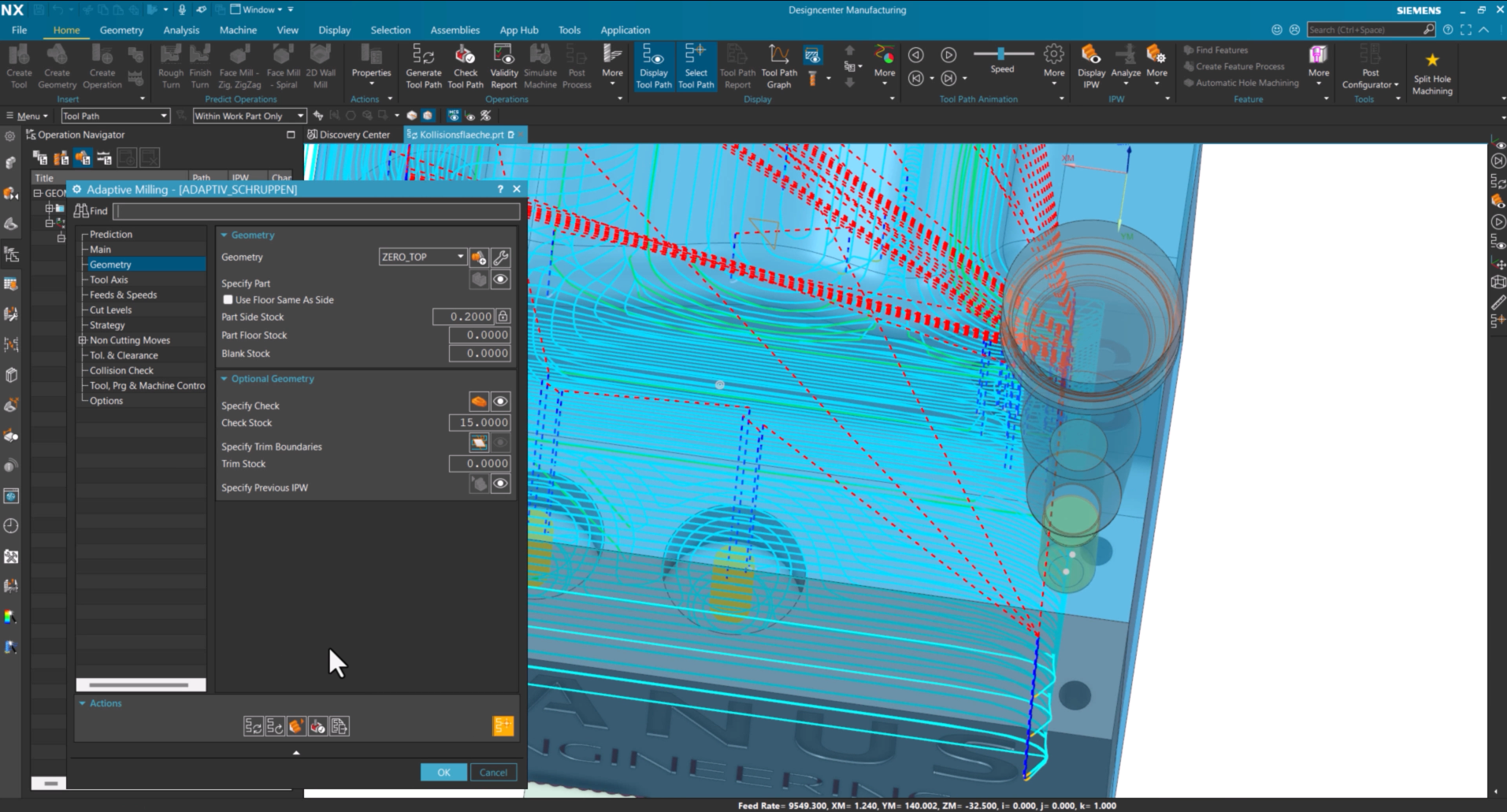
If an additional safety distance is required, define a Collision Offset. Once the toolpath is regenerated again, the toolpath is automatically adjusted to maintain the specified clearance.

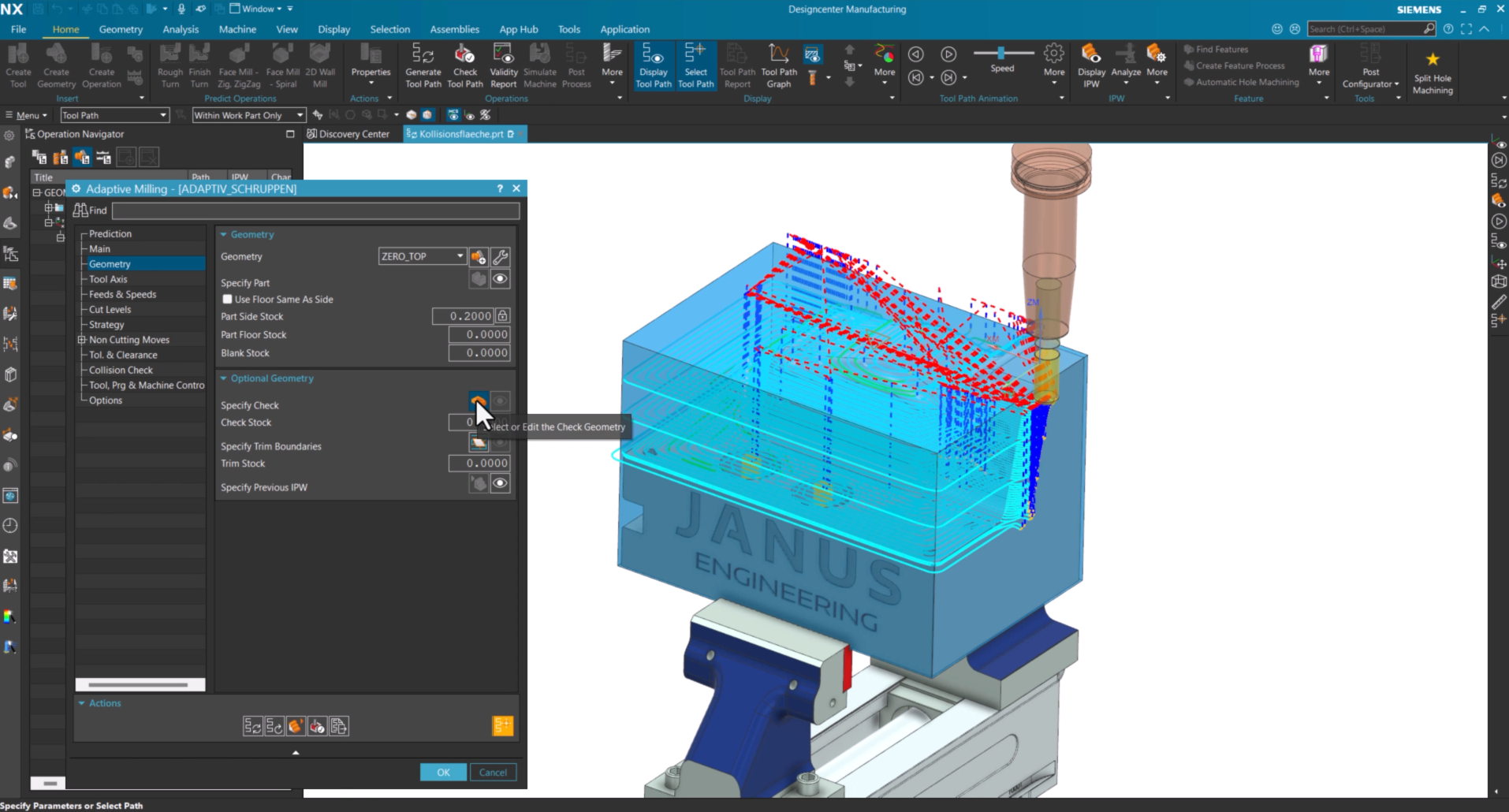
Using Collision Geometry in Adaptive Roughing

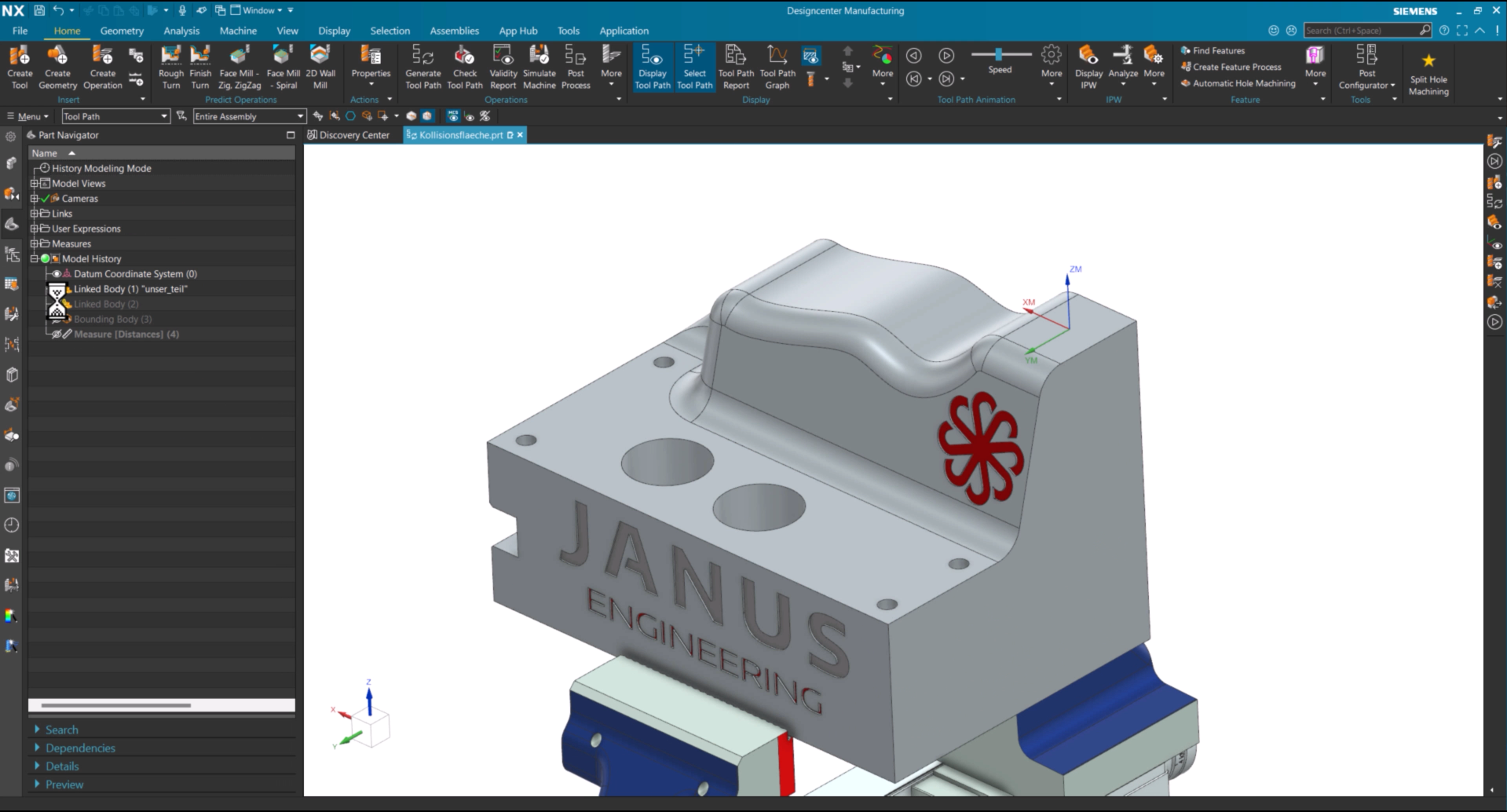
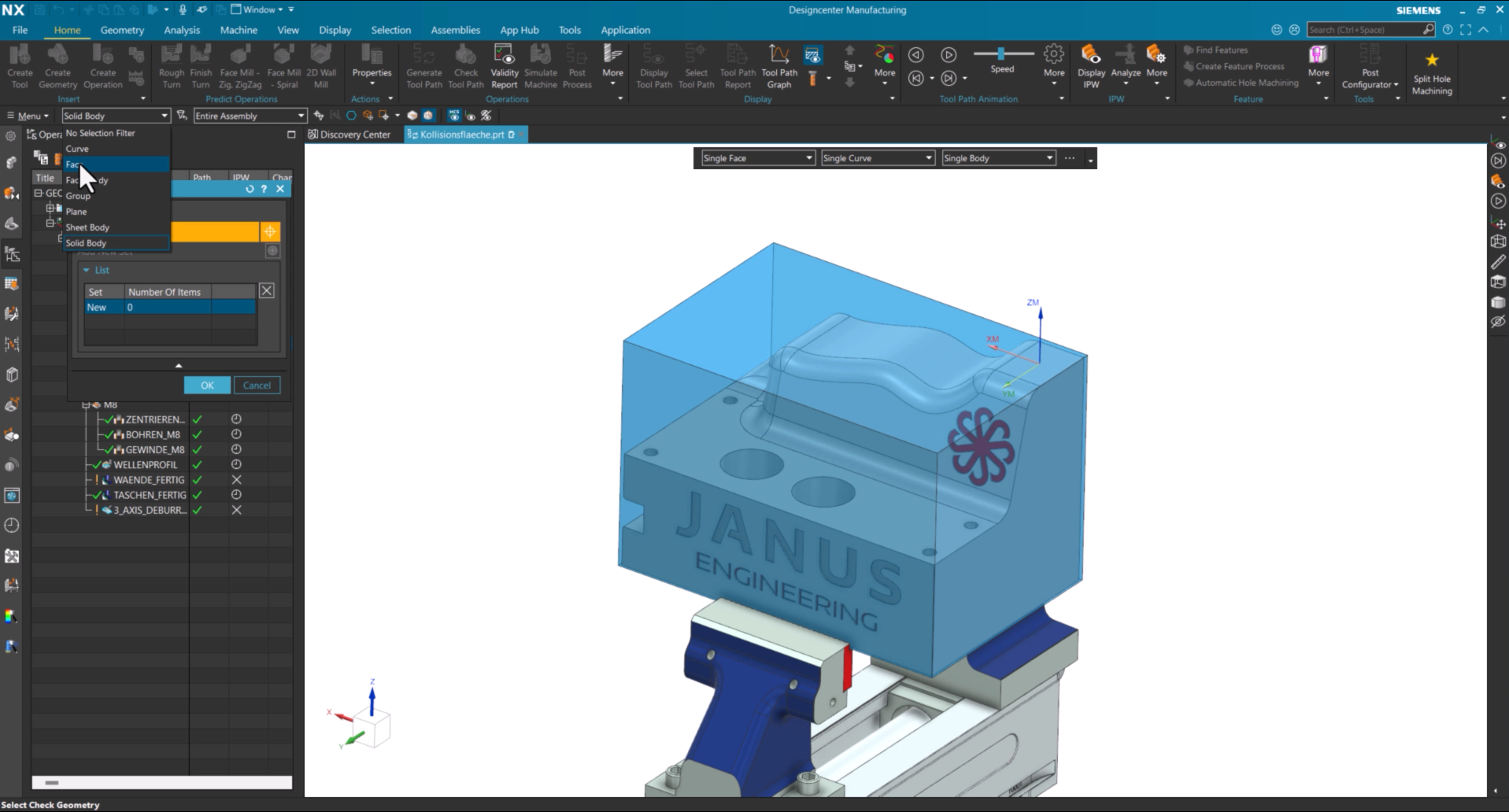
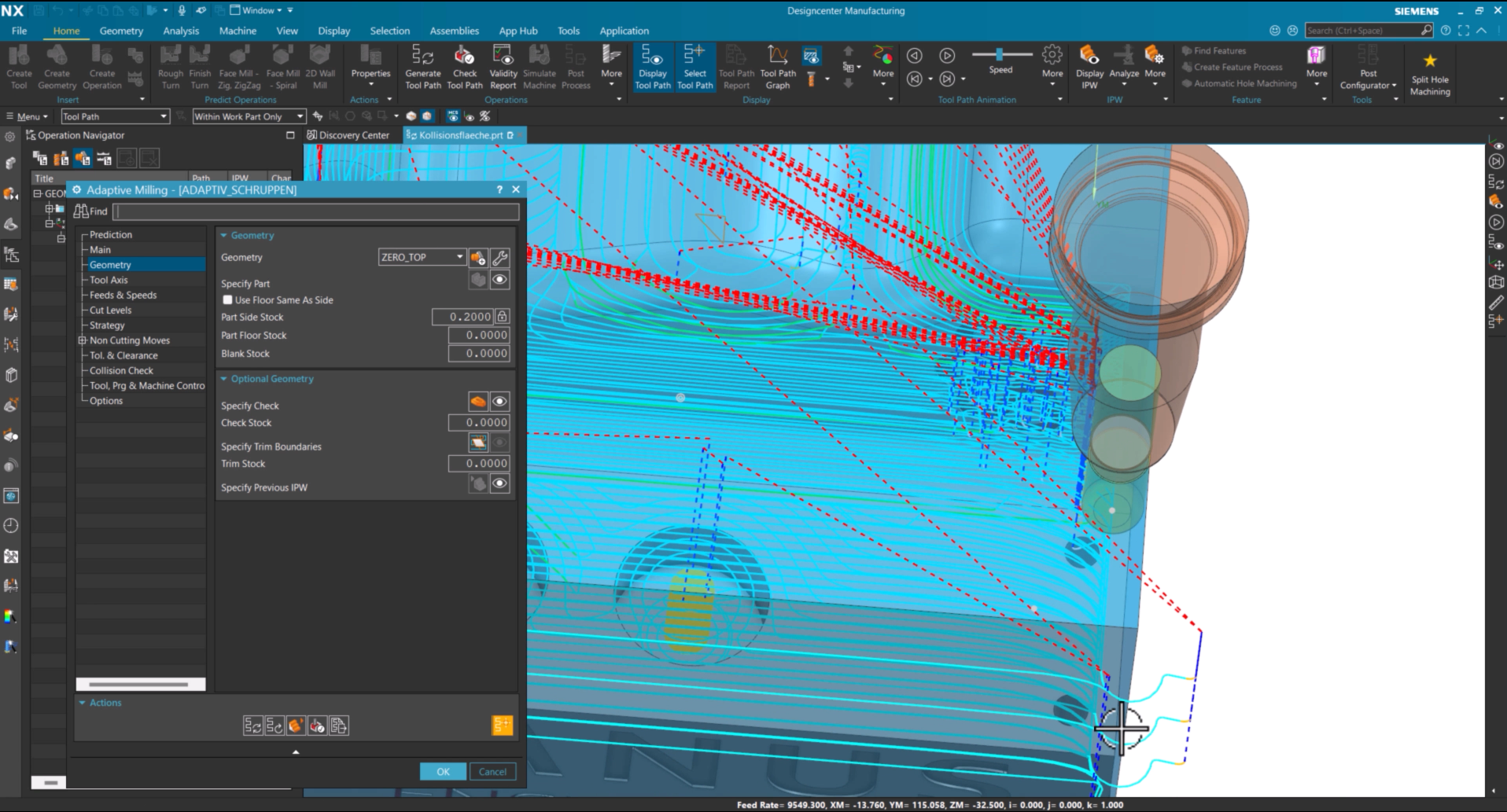
First, display the connected body. Then open the roughing operation and select Face as the geometry type in the Collision Geometry settings. Next, select the desired face of the connected body as the Collision Geometry and regenerate the toolpath.

The generated toolpath now stops exactly at the selected face. To maintain a defined clearance, specify a Collision Offset. In this example, a value of 15 mm is applied. After regenerating the toolpath, the specified distance to the Collision Geometry is maintained automatically.

Benefit from JANUS's expert knowledge

As these two examples demonstrate, Collision Geometry offers far more than collision avoidance with solid bodies. Using faces as Collision Geometry allows machining strategies to be adapted more flexibly while protecting critical areas during machining. Do you have any questions about this topic or suggestions for future QuickTips? Feel free to contact us or leave a comment below our YouTube video. We look forward to hearing your feedback!

Contact us

Heinrich FlaumHeinrich Flaum
CAx Senior Pre-Sales Consultant
E-Mail: Heinrich.Flaum@janus-engineering.com

Autor des Beitrags

Subscribe to our blog
Tips and news around digital manufacturing.