CAM Tracker in the Technology Manager

JANUS Spotlight | CAM Tracker

Spotlight CAM Tracker

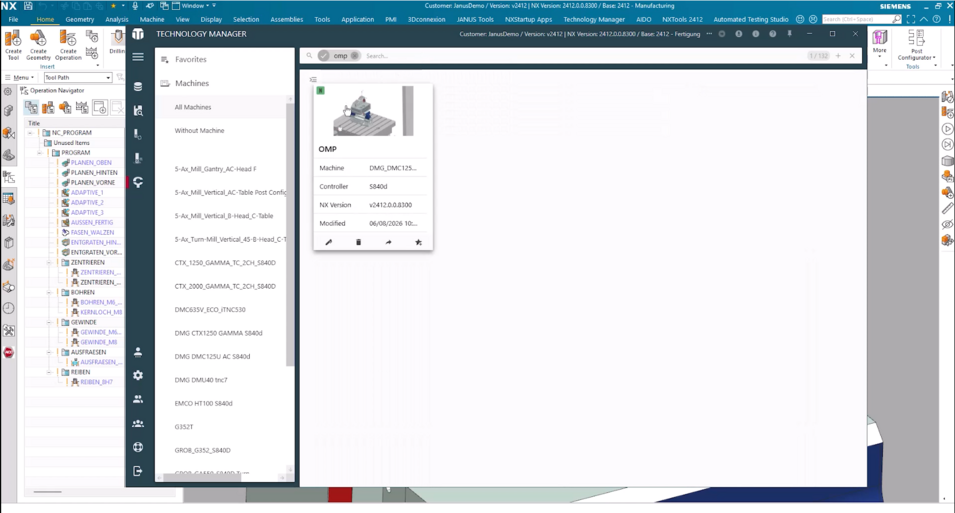
With the new CAM Tracker in the Technology Manager, you can get an overview of existing CAM programs, the tools used, and additional information from CAM programming.

In this Spotlight, we show you how to access and filter CAM setups, which information is available for individual programs, and how used tools and operations can be tracked.
At this point, external content is loaded by www.youtube-nocookie.com. If you agree to the use of cookies, you no longer need to manually accept access to this content.
Click here to confirm the cookie settings again.

In this Spotlight we will show you everything you need to know about the CAM Tracker

Overview of CAM programs

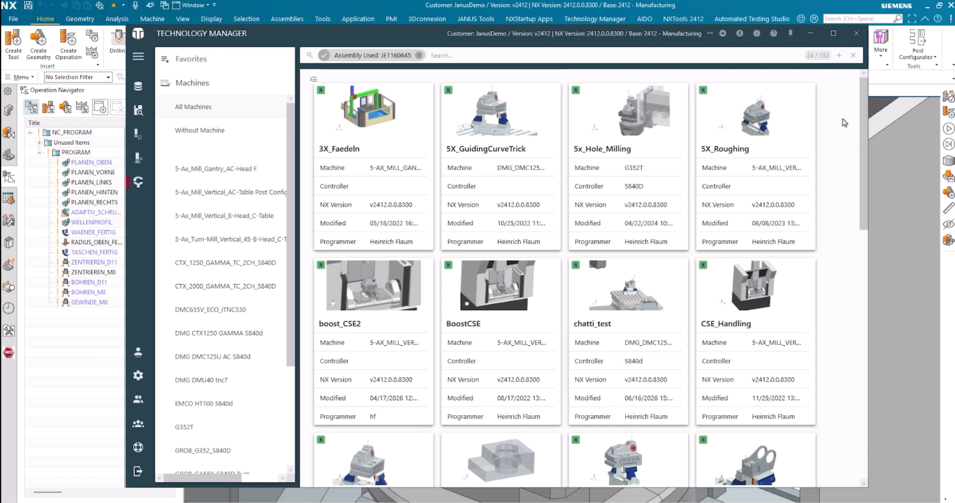
The CAM Tracker displays all recorded CAM setups in one central overview. Filters can be used to narrow the selection down to a specific machine, for example. Alternatively, you can search directly for a CAM program.

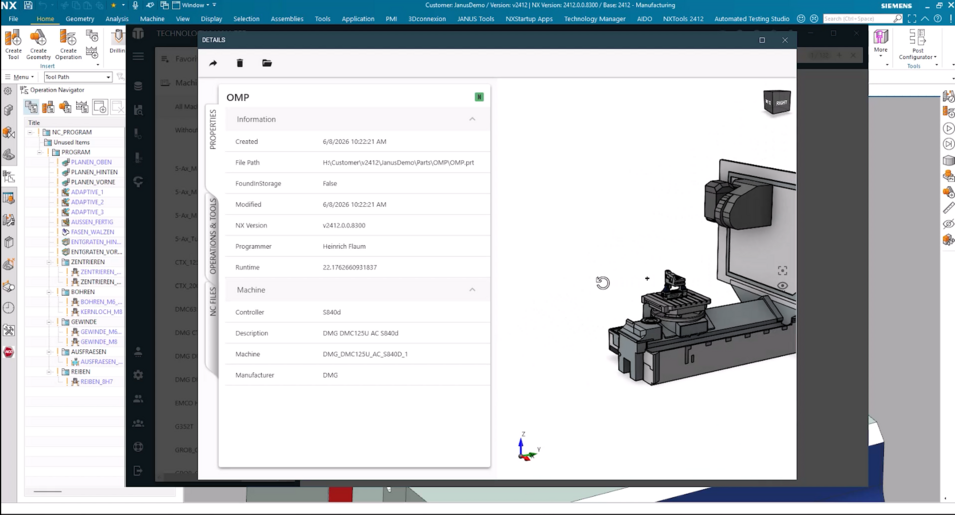
When you open a setup, additional information about the CAM part is displayed. This includes the storage location, creation date, runtime, NX version used, and the assigned machine.

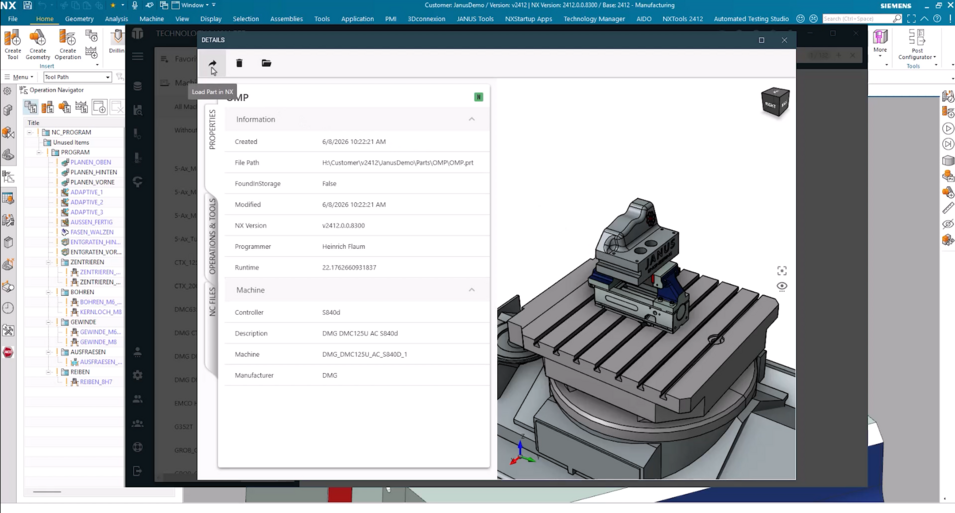
Using the available links, you can open the storage location directly in Windows Explorer or load the CAM part in Siemens NX.

Spotlight TMGR-location
Spotlight TMGR-search
Spotlight TMGR-detailview
Spotlight TMGR-open explorer/nx

Tracking tools and operations

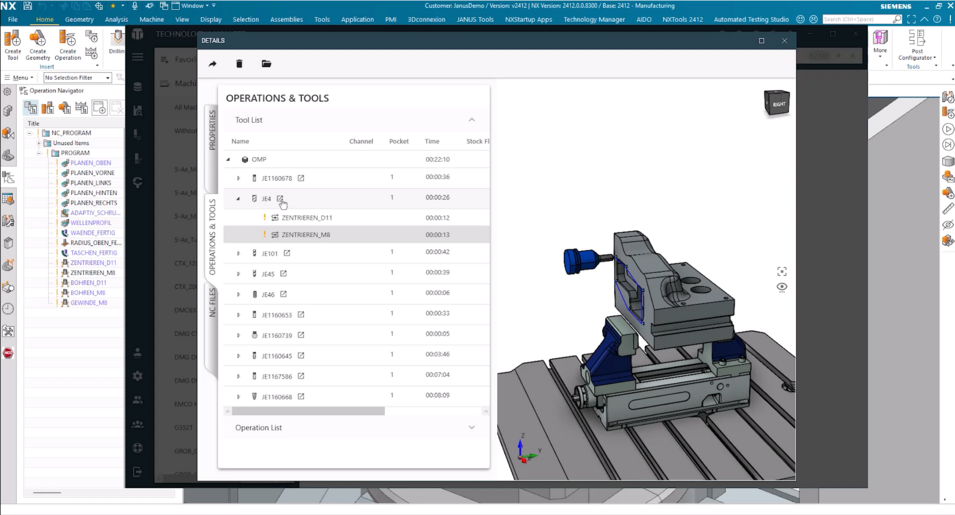
The tool list shows which tools are used within the CAM part and in which operations they are applied.

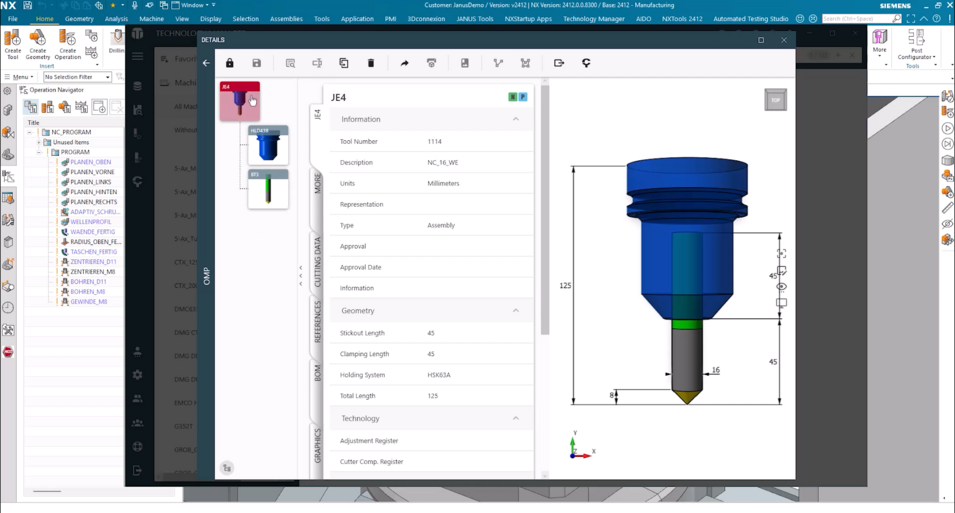
If you need additional details, you can switch directly to the corresponding tool data record. There you can review information such as the tool holder, the tool itself, and the defined tool extension length.

Individual CAM operations can also be opened. In addition to the tool path, further information such as runtime, stock allowance, spindle speed, and feed rate is available.

This is particularly useful for machine operators and tool preparation, as the Technology Manager can also be used as a standalone solution.

Spotlight TMGR-operations and tools
Spotlight TMGR-tool detail

NC data and additional documents

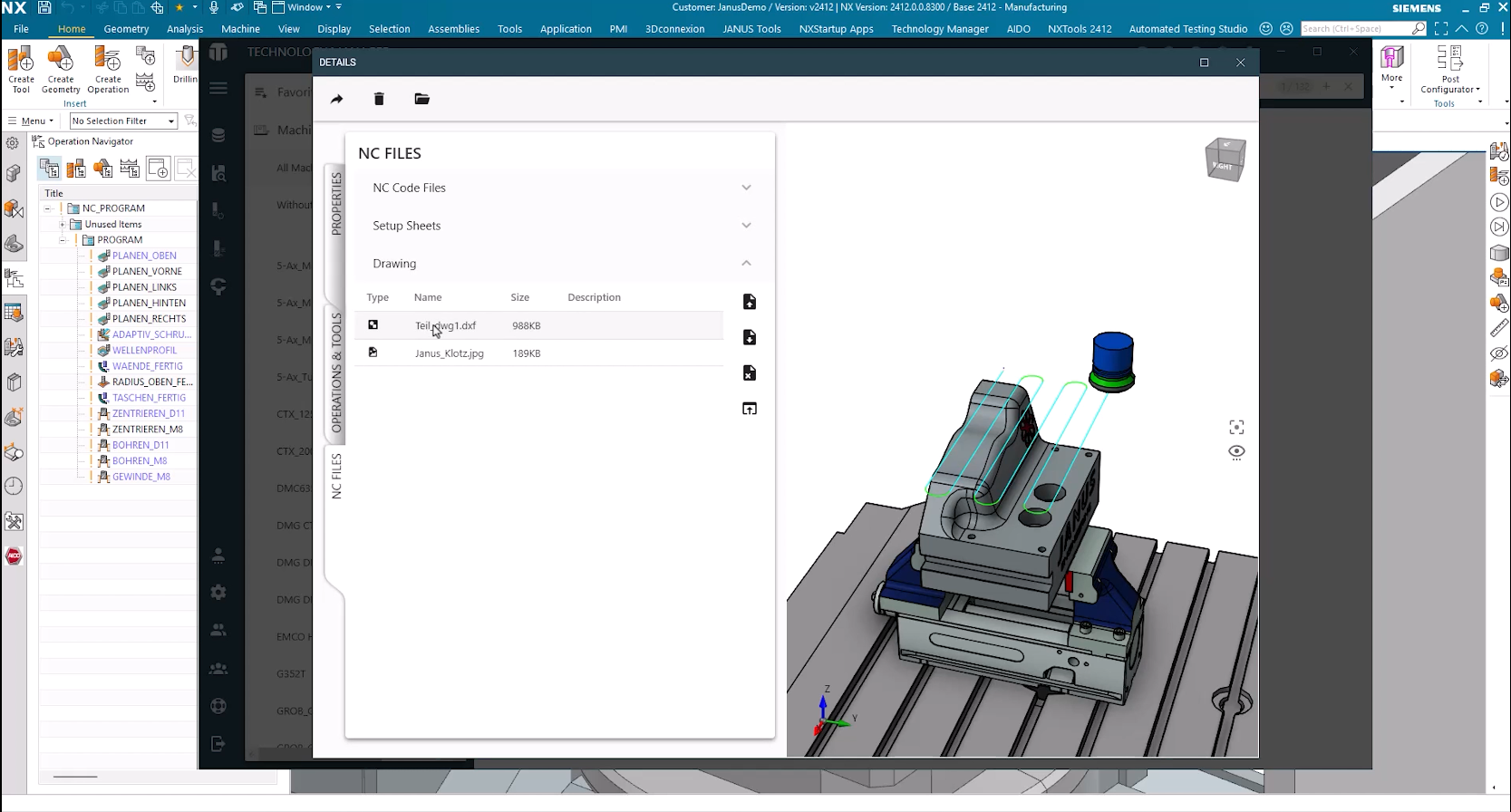
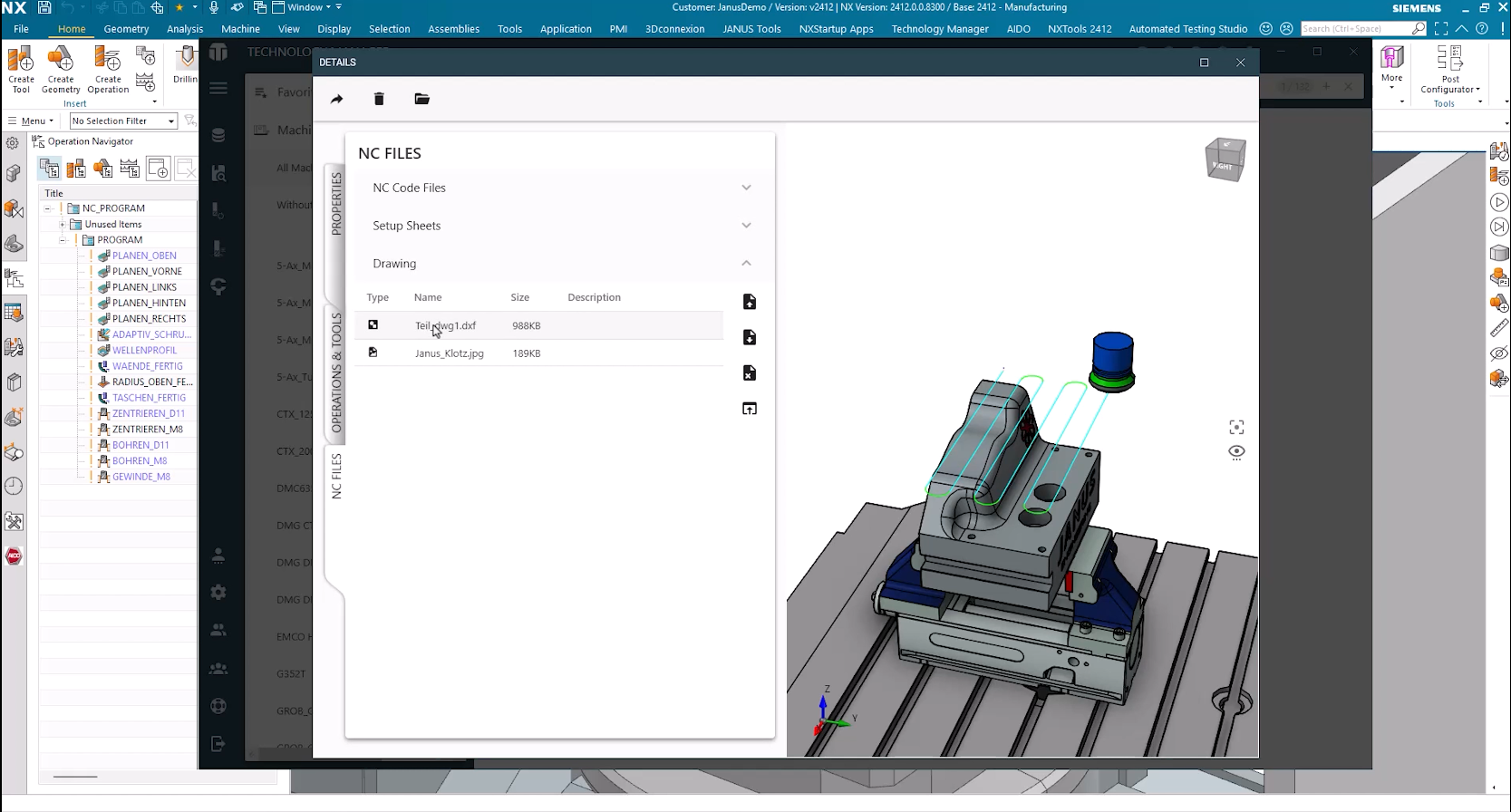
Additional files can be assigned to a CAM program. These may include NC code files, setup sheets, or part drawings.

The documents can be opened directly from the Technology Manager using the corresponding application. A machine operator can therefore access the setup sheet or open a drawing for part inspection, for example.

Spotlight TMGR - NC files

Tool usage in CAM programs

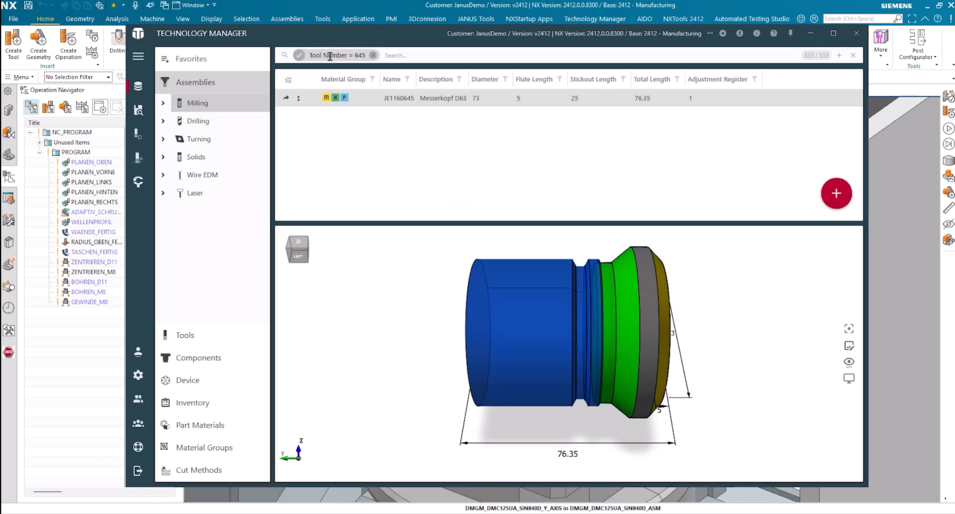
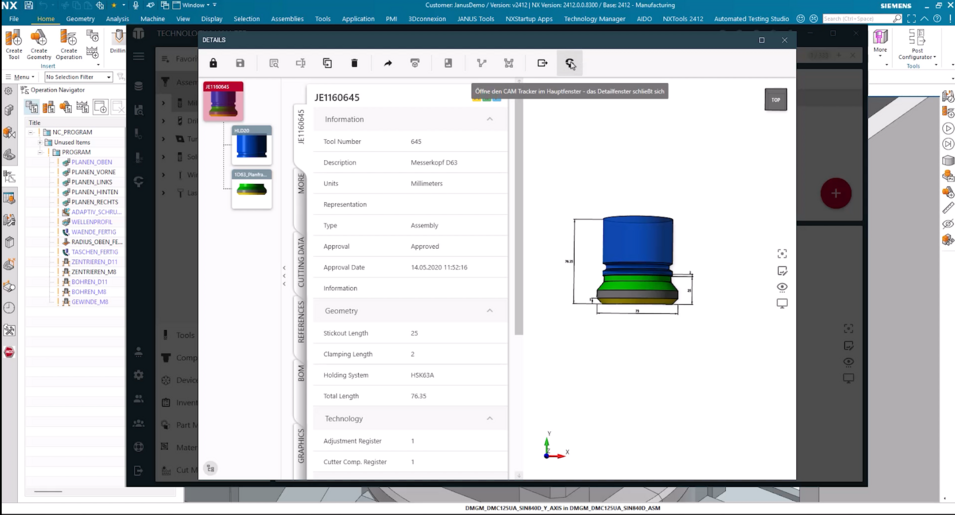
The CAM Tracker can also be opened directly from a tool.

In this case, you can see in which CAM programs the selected tool is used. If a tool or its cutting data changes, this makes it possible to identify which existing programs need to be checked or updated.

Spotlight TMGR - assembly search
Spotlight TMGR - cam tracker

Filtering CAM programs

The available CAM programs can also be filtered based on the information stored with them.

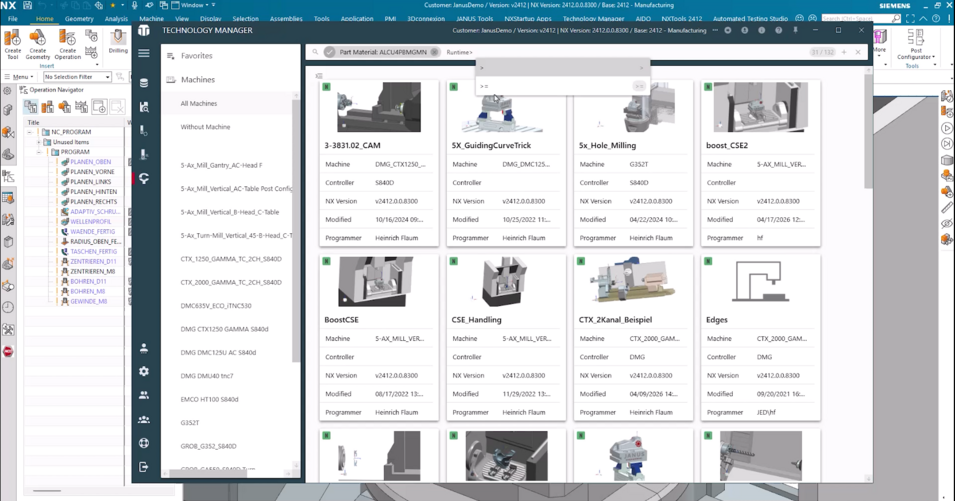
In the Spotlight, we show an example in which the programs are first filtered by part material and then additionally by a defined runtime. This allows specific CAM setups to be selected from the existing program list.

Spotlight TMGR- parts used
Spotlight TMGR- runtime

Automatic transfer of CAM data

No additional step is required to transfer information to the CAM Tracker.

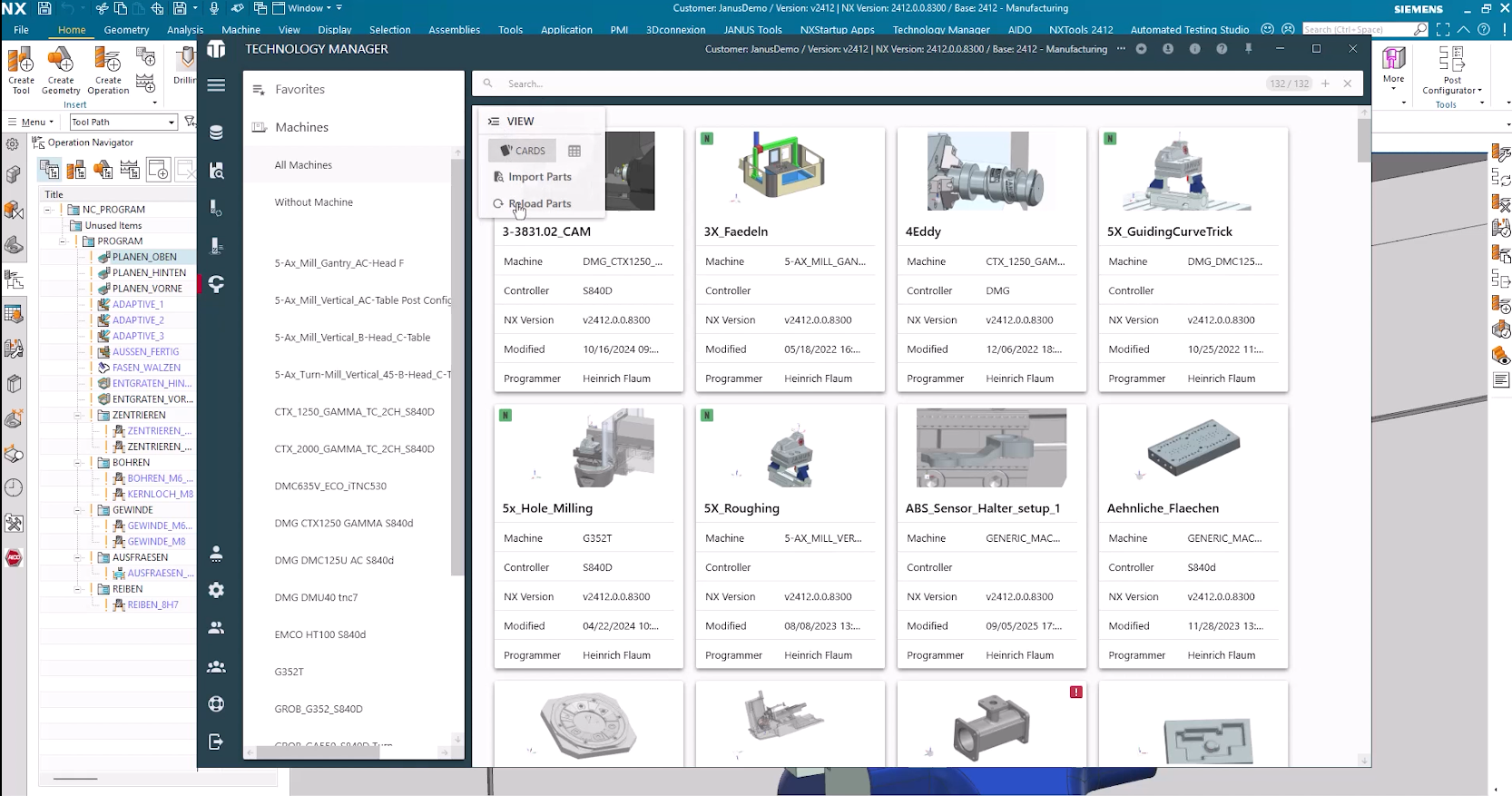
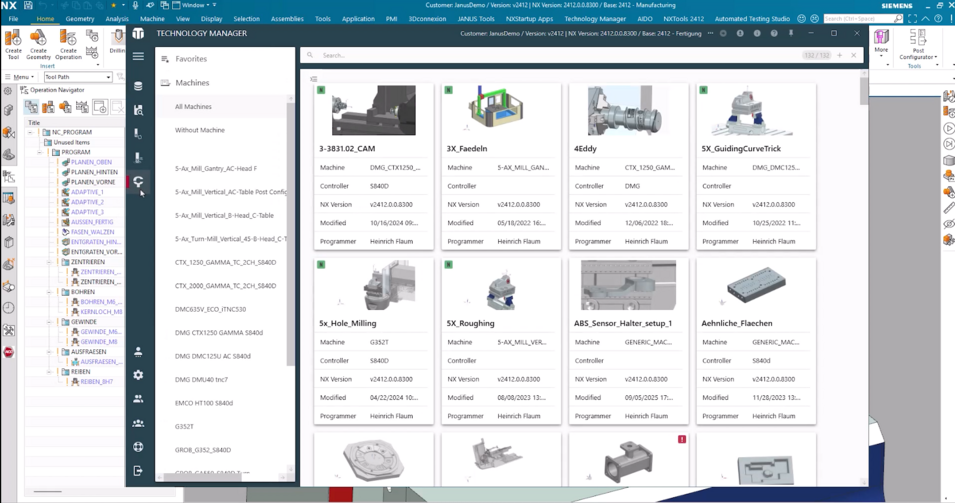
When a CAM part is saved as usual, the Technology Manager registers the process. Information about tools, operations, and setups is transferred and subsequently made available in the CAM Tracker.

Spotlight TMGR-reload

The CAM Tracker provides a central overview of existing CAM programs and the associated tools, operations, NC data, and documents. This allows CAM programmers, machine operators, tool presetters, and production managers to access the information relevant to their tasks and to trace manufacturing data across programming, setup, and production.

Book an appointment and learn more about our products

Are you interested in our products and services or do you have any questions? Then book a free initial consultation. In this non-binding meeting, we can clarify any uncertainties and give you a detailed overview of our products.

Book your appointment

Heinrich FlaumHeinrich Flaum
CAx Senior Pre-Sales Consultant
E-Mail: Heinrich.Flaum@janus-engineering.com

Autor des Beitrags

Subscribe to our blog
Tips and news around digital manufacturing.